

MuVIT Tablet Shows Locked Status? Here’s the Easy Fix.
Software | Tutorial
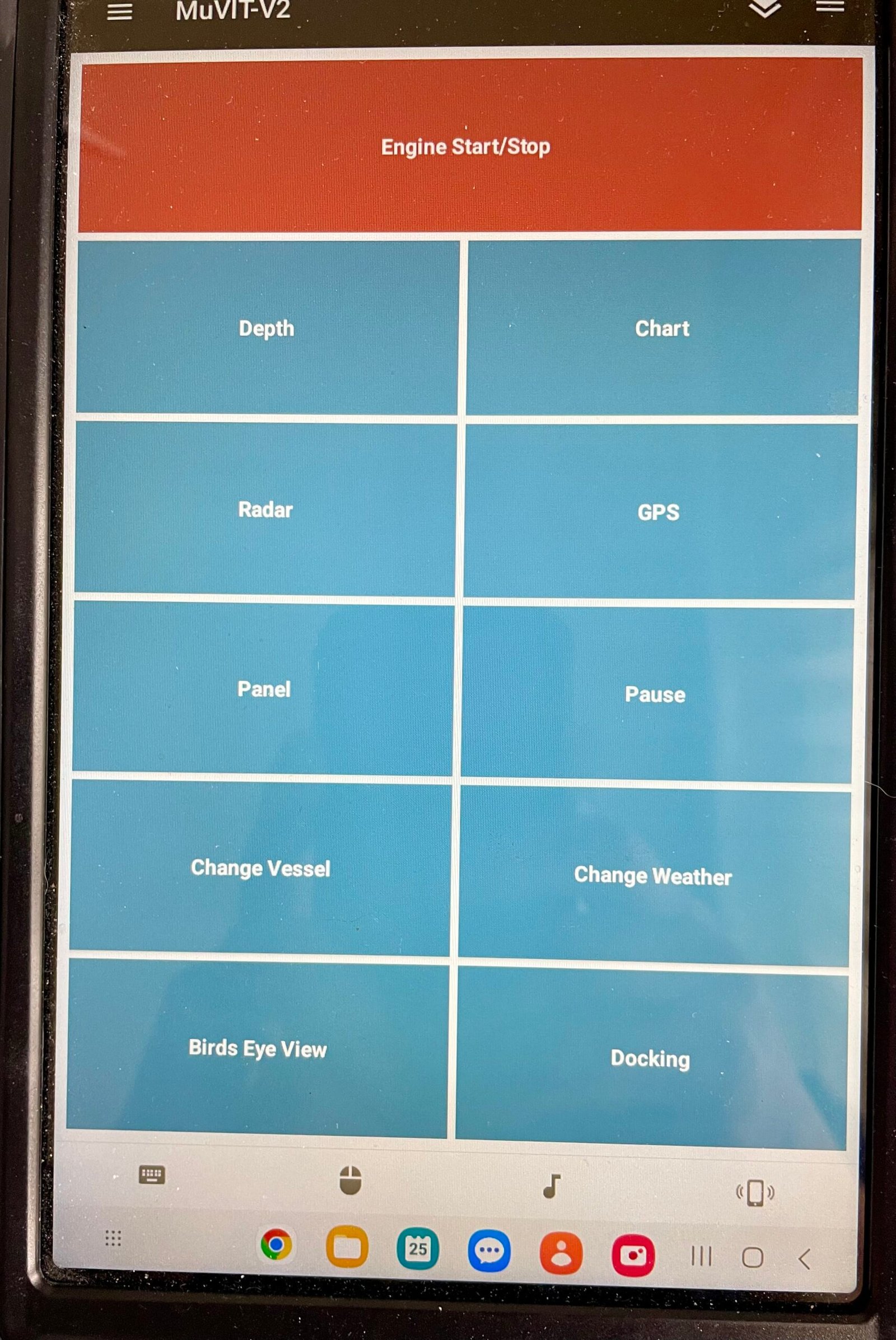
If you’ve spent any time running the MuVIT tablet as part of your simulator setup, you may have hit a frustrating little snag: the MuVIT tablet display suddenly shows a locked status and simply won’t respond. No amount of tapping, swiping, or restarting the app seems to help until, seemingly out of nowhere, it starts working again on its own.
It’s a strange one, especially the first time it happens. Everything was working perfectly moments before, and then the MuVIT tablet locked up with no obvious cause. That kind of unpredictability makes it challenging to troubleshoot. How do you fix something that fixes itself before you’ve even figured out what broke it?
Tracking Down the Cause
After running into this a couple of times, and working through it directly with a user experiencing the same issue, the cause turned out to be refreshingly simple. One of those problems that makes complete sense in hindsight. The Unified Remote software powering the MuVIT tablet needs to “phone home” to the internet periodically. On most setups this goes unnoticed, since the tablet is usually connected to the internet in one way or another fairly regularly. But if a MuVIT tablet stays connected only to the local MuVIT network for too long without ever reaching the broader internet, that check-in never happens, and the remote display locks up as a result.
The fix was discovered almost accidentally. While troubleshooting, the suggestion was to try reloading the Unified Remote app in case it had somehow become corrupted. Instead, the user disconnected the MuVIT tablet from the local MuVIT network and connected it to his normal home wireless network. Within a few moments, the status flipped from locked to active, and normal operation was confirmed right away.
The Simple Fix For Your Locked MuVIT Tablet
So if your MuVIT tablet ever shows a locked status, the solution is straightforward: let it connect to the internet so it can phone home. Once it checks in, the lock clears, and the remote goes right back to working normally.
This appears to be an uncommon issue overall, but it’s a great example of how the simplest explanation is often the right one and how the easiest fixes tend to be the best fixes. If your MuVIT tablet ever seems stuck, don’t waste time reinstalling apps or second-guessing your hardware. Just give it a moment on a normal internet connection, and it should sort itself out.
For more tutorials, hardware guides, and software tips for your MuVIT boating simulator setup, visit muvit-boating.com.


