Adjusting Throttle Minimum RPM
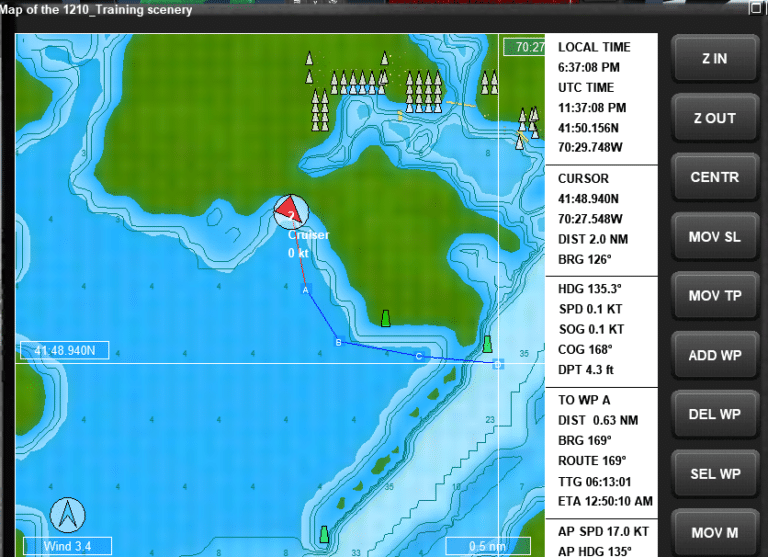
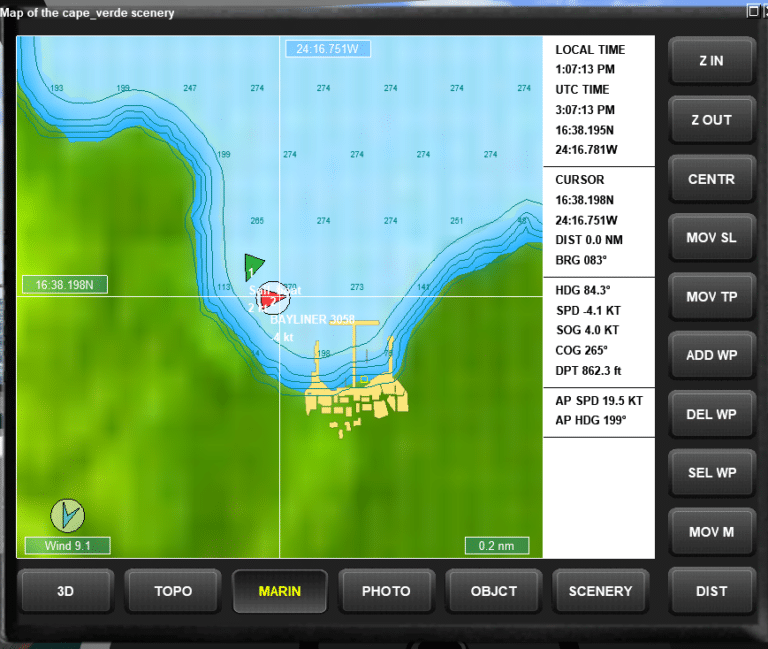
I just made a brief YouTube tutorial on how to set the minimum RPM in Virtual Sailor. This helps overcome the problem where the vessel keeps moving a bit in neutral, typically 1-3 knots, instead of coming to a stop (wind and current excepted). This is due to a default setting when creating vessels to have a minimum RPM of 50. Setting this rpm_min setting to 0 will resolve that issue. The YouTube link below will take you to the MuVIT channel and show you how to make this change.
Once you’ve adjusted the minimum RPM, you may notice improved control over your vessel during docking and maneuvering. Adjusting this setting is per vessel, so unfortunately you have to set it for each individually. If you decide to play with any other settings, you should probably make a backup of the vehicle.cfg file first, because you can really break things if you make the wrong changes.
Ultimately, fine-tuning this setting can lead to a more enjoyable and realistic experience.